Loading... Please wait...

- Home
- Raspberry Pi
- PiCAN2 Duo CAN Bus Board For Raspberry Pi 4 With 3A SMPS


)

Product Description
Free Shipping Within the United States!
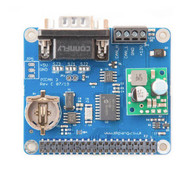
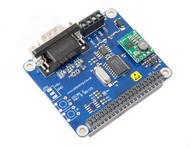
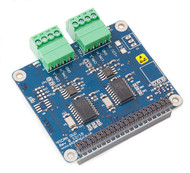
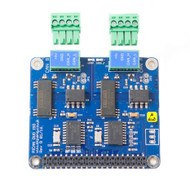
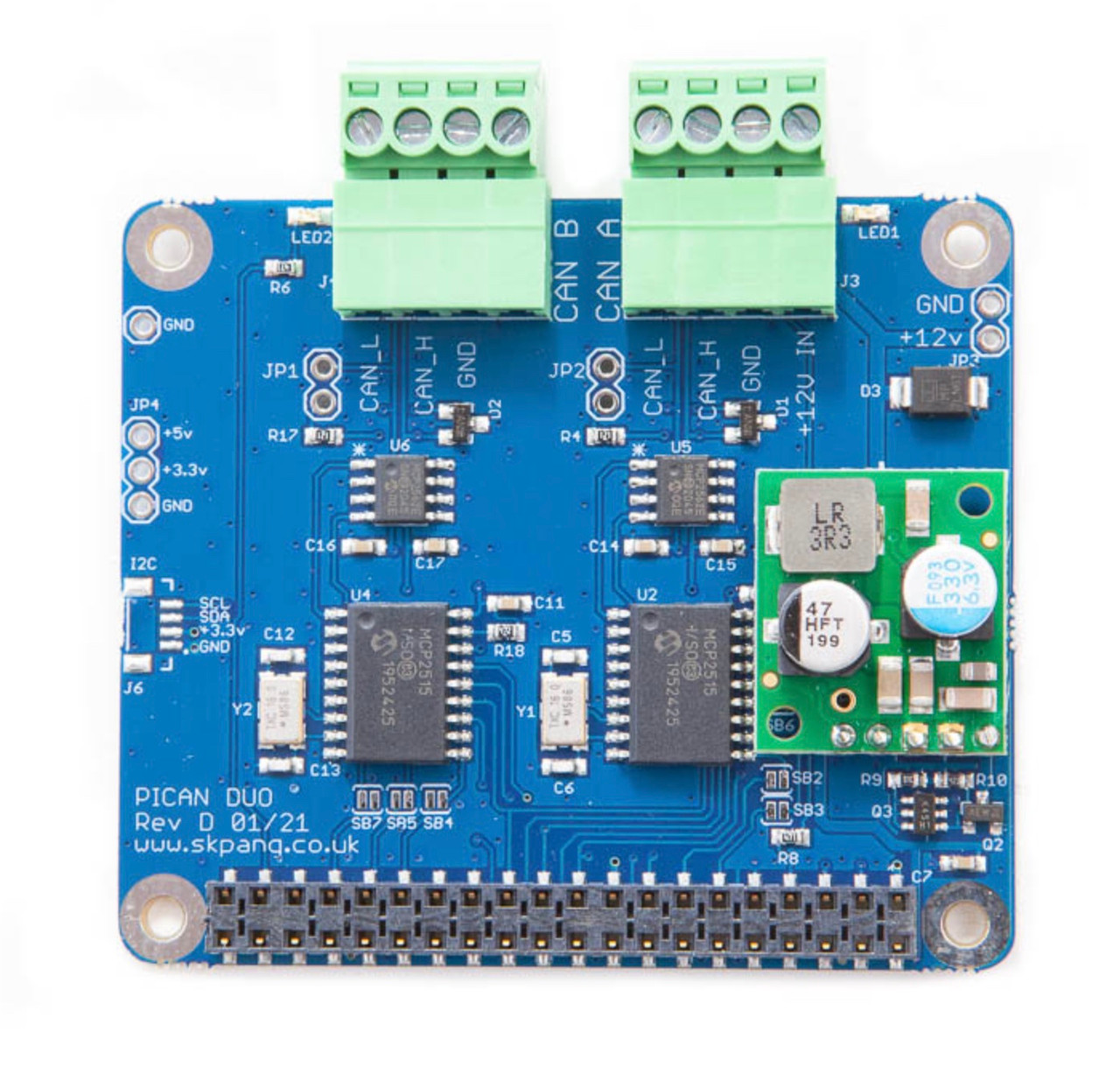
The PiCAN2 Duo board brings dual CAN‑Bus connectivity to your Raspberry Pi 4, enabling two independent communication channels on the same system. Built around the trusted Microchip MCP2515 CAN controllers and MCP2551 transceivers, each channel supports CAN 2.0B data rates up to 1 Mb/s over a high-speed SPI interface. Connections are made through a 4‑way screw terminal, providing a clean and secure wiring solution for each bus line.
What distinguishes this version is the integrated 5 V / 3 A switch‑mode power supply (SMPS), capable of accepting input voltages between 7 V and 24 V. This onboard regulator can power both the PiCAN2 Duo board and the Raspberry Pi 4 via the same terminal block, ensuring a streamlined setup without requiring extra power cables. The SMPS includes reverse‑polarity protection and efficient power conversion, making it suitable for industrial and automotive environments.
The board includes two 120 Ω termination resistors—one per CAN channel—and provisions for serial LCD modules. LED indicators for each channel provide real-time visual feedback. With four mounting holes compliant with the Raspberry Pi HAT standard, the PiCAN2 Duo sits securely atop your Pi. Interrupt outputs are available on GPIO25 and GPIO24 for both channels, enabling event-driven software handling and minimizing CPU load.
Software setup is straightforward: once SPI is enabled on Raspberry Pi OS, the SocketCAN driver installs easily and exposes the two interfaces as can0 and can1. From there, developers can write CAN applications in C or Python, allowing for fast deployment in automotive diagnostics, industrial automation, or robotics projects where dual-bus communication is critical.
Features
- CAN v2.0B at 1 Mb/s
- High speed SPI Interface (10 MHz)
- Standard and extended data and remote frames
- CAN Bus connection screw terminal
- 120 Ω terminator ready
- Serial LCD ready
- LED indicator
- Four mounting holes, compliant with Pi Hat standard
- SocketCAN driver, appears as can0 and can1 to application
- Interrupt RX on GPIO25 and GPIO24
- 5VDC 3A SMPS to power Raspberry Pi and accessories from screw terminal
- Reverse polarity protection
- High efficiency switch mode design
- 7VDC to 24VDC input range
Why Two CAN Ports?
At first glance, having two independent CAN interfaces on a Raspberry Pi may seem unnecessary. However, dual CAN channels open the door to a wide range of applications that are difficult—or impossible—to implement with a single CAN interface.
CAN-to-CAN Gateway Development
One of the most common uses for a dual-channel CAN interface is the development of CAN gateways.
A gateway receives messages on one CAN network, processes the data, and then transmits selected information onto another CAN network. This approach is commonly used in commercial vehicles, industrial equipment, marine systems, and electric vehicles.
For example:
- Filter specific messages
- Modify CAN data before retransmission
- Convert message formats
- Isolate sensitive networks from external devices
Connecting Networks with Different Bit Rates
Many systems operate at different CAN bus speeds. A dual-channel interface allows the Raspberry Pi to communicate with both networks simultaneously.
Examples include:
- SAE J1939 at 250 kbps and an OEM network at 500 kbps
- Legacy CAN systems connected to modern CAN FD gateways
- Industrial machinery with multiple CAN segments
Each CAN channel operates independently and can be configured for its own bit rate.
Data Logging and Analysis
A dual-port interface makes it possible to monitor two CAN networks at the same time.
Typical applications include:
- Vehicle network diagnostics
- Simultaneous monitoring of engine and transmission networks
- Comparing data between two ECUs
- Recording traffic from multiple CAN segments
This capability is particularly useful during troubleshooting and system integration.
Network Bridging
In some applications, all CAN messages received on one network are forwarded directly to another network.
Common use cases include:
- Extending CAN networks
- Temporary test setups
- Laboratory simulations
- Vehicle retrofit projects
Because the Raspberry Pi sits between both networks, additional filtering and processing can be added at any time.
Documents
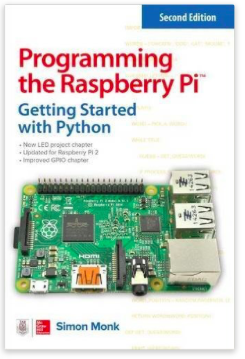
Programming the Raspberry Pi - Getting Started with Python
- Set up your Raspberry Pi and explore its features
- Navigate files, folders, and menus
- Write Python programs using the IDLE editor
- Use strings, lists, functions, and dictionaries
- Work with modules, classes, and methods
- Create user-friendly games using Pygame
- Build intuitive user interfaces with Tkinter
- Attach external electronics through the GPIO port
- Add powerful Web features to your projects