Loading... Please wait...



)

Product Description
Pricing includes applicable customs fees and tariffs.
Free Shipping Within the United States!
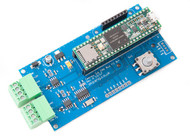
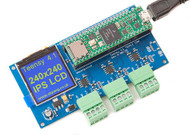
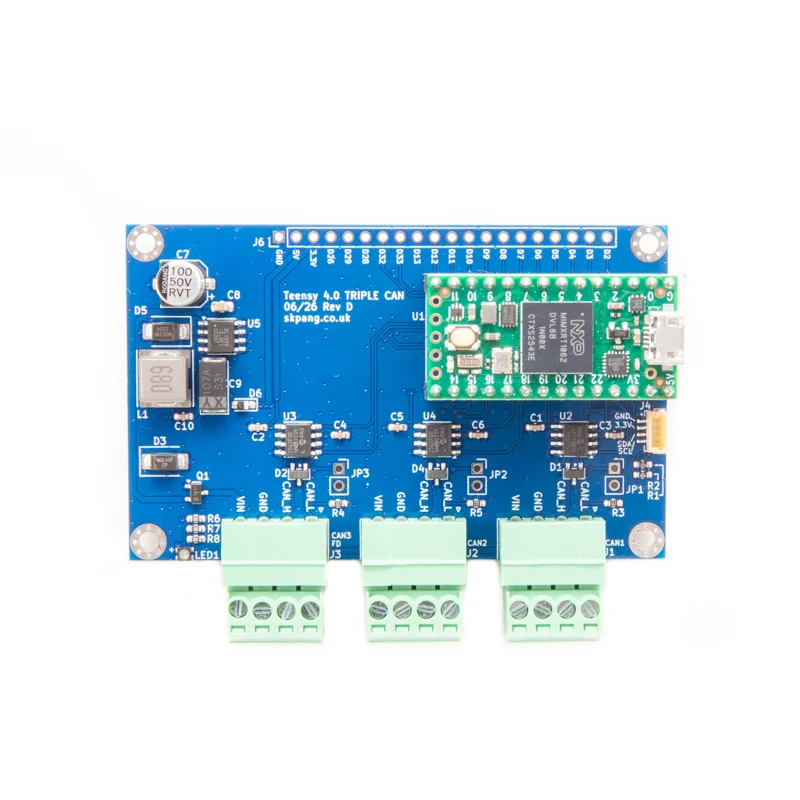
The Teensy 4.0 Triple CAN Bus Board Rev D replaces the previous Teensy 4.0 Triple CAN Bus Board. It gives you three CAN interfaces on a single platform for developing gateways, monitoring multiple networks, and testing embedded firmware. Use the two Classical CAN ports to exchange messages between separate networks, or use the CAN FD port to develop and test an interface for a mixed Classical CAN and CAN FD system.
Rev D adds an onboard RGB LED that you can use to display application status, such as bus activity or firmware state. The onboard switching regulator accepts an external 7–24 VDC supply and includes reverse-polarity protection. An I²C connector provides an interface for peripherals such as sensors or a compatible display.
Program the included 600 MHz Arm Cortex-M7 Teensy 4.0 using the Arduino IDE with Teensy board support. SK Pang provides a schematic and an example sketch that uses the FlexCAN_T4 library, giving you a starting point for working with all three CAN channels.
Key features
- Two Classical CAN 2.0B ports and one CAN FD port
- Teensy 4.0 module preinstalled
- Onboard switching regulator with a 7–24 VDC input range
- Reverse-polarity protection on the external supply input
- Onboard RGB LED for firmware-controlled status indication
- I²C connector for peripheral expansion
- Schematic and example sketch available
Typical applications
- Programmable gateways between CAN networks
- Multi-channel CAN traffic monitoring and bench testing
- Classical CAN and CAN FD firmware development
- SAE J1939 application prototyping with a compatible protocol stack
Download the PDF: Teensy Software Installation & Downloading Programs (Sketches)...
TEENSY Resources
- TEENSY USB Development Board...
- TEENSY Loader to download code...
- Teensyduino, add-on for Arduino IDE...
Documents
 Arduino Cookbook
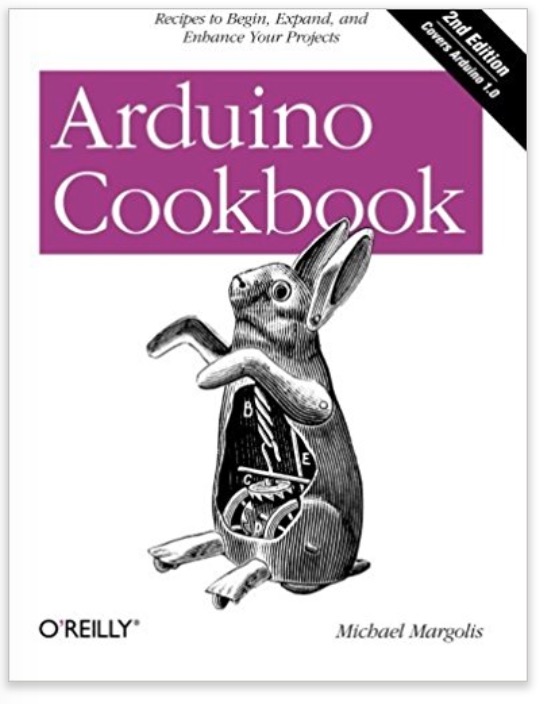
Want to create devices that interact with the physical world? This cookbook is perfect for anyone who wants to experiment with the popular Arduino microcontroller and programming environment. You will find more than 200 tips and techniques for building a variety of objects and prototypes such as toys, detectors, robots, and interactive clothing that can sense and respond to touch, sound, position, heat, and light.
You don't need experience with Arduino or programming to get started. Updated for the Arduino 1.0 release, the recipes in this second edition include practical examples and guidance to help you begin, expand, and enhance your projects right away, whether you are an artist, designer, hobbyist, student, or engineer.
- Get up to speed on the Arduino board and essential software concepts quickly
- Learn basic techniques for reading digital and analog signals
- Use Arduino with a variety of popular input devices and sensors
- Drive visual displays, generate sound, and control several types of motors
- Interact with devices that use remote controls, including TVs and appliances
- Learn techniques for handling time delays and time measurement
- Apply advanced coding and memory handling techniques